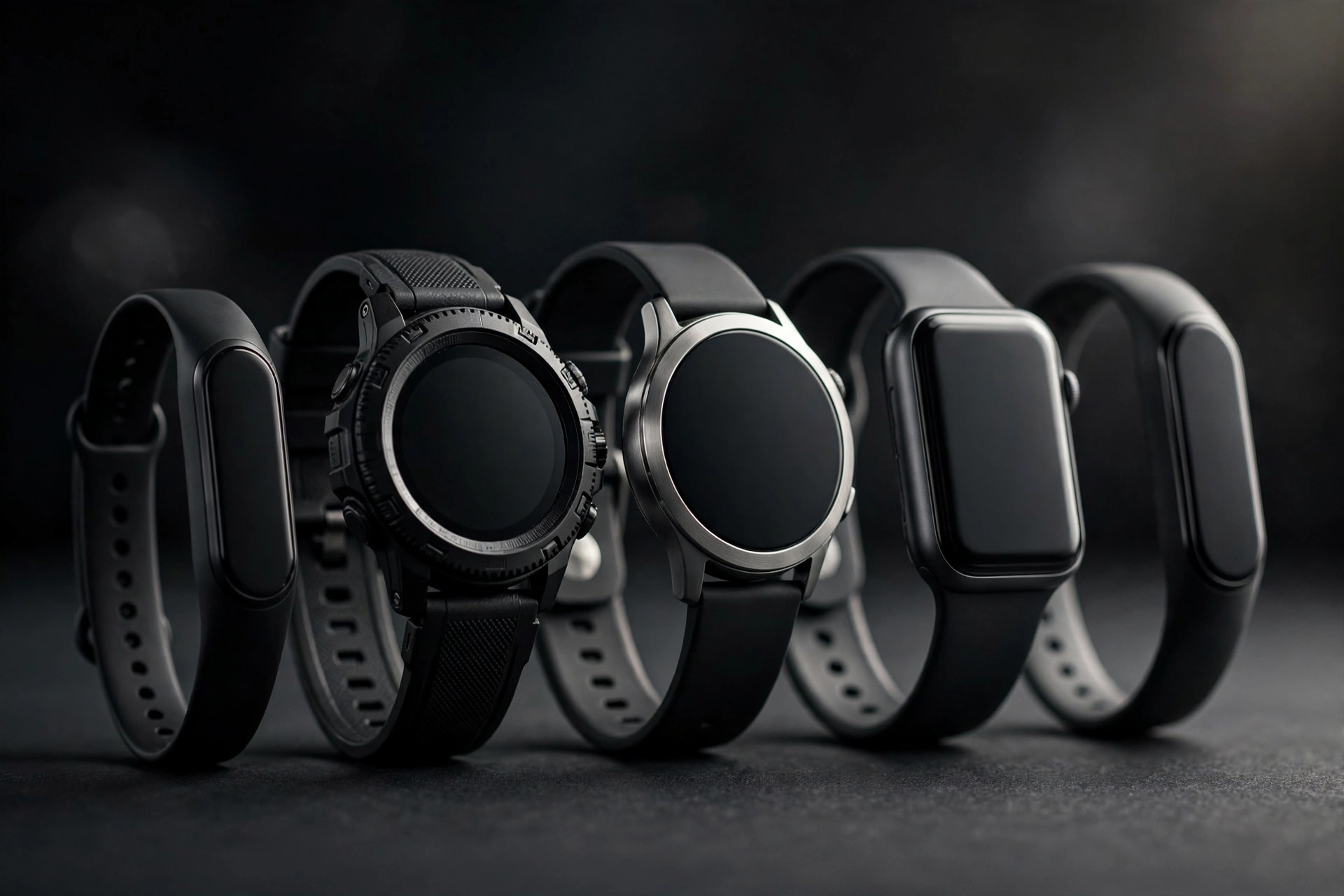
A fitness tracker’s spec sheet is a wall of numbers — GPS, optical heart rate, battery life, app subscriptions — that tells you almost nothing about how the device will behave in a sweaty gym session. This guide explains where optical heart-rate sensors fall apart, when GPS actually matters, and how to match a tracker to the way you actually train.
Optical heart rate: what it measures and where it falls apart
Most trackers use optical sensors — LEDs on the underside that measure blood flow through your wrist. For steady-state cardio they are reasonably accurate, usually within a few beats per minute of a chest strap once you are warmed up.
The limits show up in the gym. Optical sensors struggle with:
- Rapid intensity changes. Interval training, HIIT, and heavy sets followed by short rests confuse the sensor — it lags behind your real heart rate by 10–30 seconds and can under-read peak effort.
- Grip-intensive lifting. Flexing your wrist during deadlifts, rows, or kettlebell work compresses the blood vessels the sensor reads. The result is dropouts or junk readings right when you want data most.
- Tattoos and loose fit. Tattoos over the sensor site and a band that slides around both reduce signal quality. Wear the tracker one to two finger-widths above the wrist bone, snug, and keep the sensor clean.
If accurate heart-rate data is central to your training — zone-based cardio or training under medical guidance — a chest strap paired to your watch or phone is still the gold standard. Treat wrist heart rate as a good estimate, not a measurement.
GPS: when it matters and when it doesn’t
Built-in GPS lets a tracker record distance, pace, and route without your phone. It matters exactly when the motion covers ground outdoors: running, cycling, hiking, open-water swimming. If that is you, built-in GPS is worth paying for — carrying your phone on every run gets old, and phone-free runs are the whole point.
It does not matter for treadmill running (the belt does the moving, not you — trackers guess distance from arm swing, and the guesses are mediocre), for any lifting session, or for indoor classes.
Battery life vs smart features: pick your tradeoff
Trackers sit on a spectrum. On one end: simple bands with 7–14 day batteries and no apps. On the other: full smartwatches with bright always-on displays, music, and calls — charged every one to two days.
The honest question is how often you are willing to charge. A tracker that dies mid-run because you forgot Tuesday’s charge is worse than a simpler one that always works. Lifters and daily gym-goers often prefer the long-battery camp: fewer features, but the thing is always alive and logging. Outdoor athletes who want maps, music, and pace alerts on their wrist accept the charging habit.
Also check what the battery rating assumes. A “10-day battery” usually means no GPS and no always-on display — your real-world number will be lower.
Apps and subscription lock-in: read the fine print
The hardware is only half the purchase; the app is the other half, and it is where the costs hide. Some platforms put core features — sleep analysis, readiness scores, workout plans — behind a monthly subscription. The tracker may be a one-time purchase, but the useful data can cost $5–$15 a month, forever.
Before buying, check three things in the app’s listing: which features are free versus subscription-only, whether you can export your raw data (runs, heart rate, sleep) to other platforms, and what happens to your history if you cancel the subscription. A tracker that locks your own data behind a paywall is a subscription with a hardware down payment.
Ecosystem matters too. If your coach or training group shares workouts on one platform, that social gravity is real — just make sure the hardware you buy actually talks to the platforms you use.
Screens, buttons, and sweat: usability you feel every workout
Specs don’t tell you what a tracker feels like at minute 40 of a hard session. Two usability points matter more than any feature list.
First, touchscreens and sweat are enemies. A big glossy touchscreen looks great in the store and becomes a smeary, unresponsive mess mid-workout. Trackers with physical buttons — even one or two — let you start, stop, and lap with gloves on or hands slick. If you lift with chalk or liquid chalk, a touchscreen you cannot operate is dead weight.
Second, the band matters as much as the device. Silicone bands trap sweat but are easy to clean; fabric bands breathe better but absorb odor. Whatever you choose, rinse the band after sweaty sessions.
Matching a tracker to how you train
Here is the shortcut version:
- Mostly lifting: prioritize long battery, physical buttons, and a durable band. You need workout logging and rest timers, not GPS. Optical heart rate is a bonus, not a deciding factor.
- Running outdoors: built-in GPS is the core requirement. Add a screen you can read in sunlight and enough battery for your longest run plus a margin.
- Classes and general fitness: comfort and sleep tracking matter most — you will wear it 24/7, so weight and band comfort beat feature lists. Check the app’s subscription terms carefully.
- Data-driven training: you want exportable data, third-party app support, and compatibility with a chest strap for the sessions where wrist HR fails.
Buy for the training you do every week, not the training you aspire to. The simple band that logs every gym session earns its keep; the “maybe I’ll start trail running” GPS watch gathers dust.
What this guide does not cover
This guide does not give medical advice. Heart-rate zones, training readiness scores, and sleep scores are estimates from consumer sensors — do not use them to diagnose conditions, adjust medication, or make medical decisions. If you have a heart condition, are pregnant, or are training under medical guidance, talk to your doctor or a qualified professional about which metrics (if any) you should track and what the numbers mean for you.
Frequently asked questions
Do I need GPS if I only train indoors?
No. Indoor training doesn’t cover ground, so GPS adds nothing but battery drain. Skip it.
Are wrist heart-rate readings accurate enough for zone training?
For steady cardio, yes. For intervals or heavy lifting, no — lag and grip-related dropouts make zone boundaries unreliable. Pair a chest strap for those sessions.
Is a fitness tracker subscription worth it?
Sometimes. Try the free tier for a month first — many people pay for a year of “readiness scores” they glance at twice.
Can I swim with a fitness tracker?
Many are water-resistant enough for pool swimming, but check the specific rating — “splash resistant” is not “swim proof.” Rinse the device after pool sessions, since chlorine degrades bands faster.